

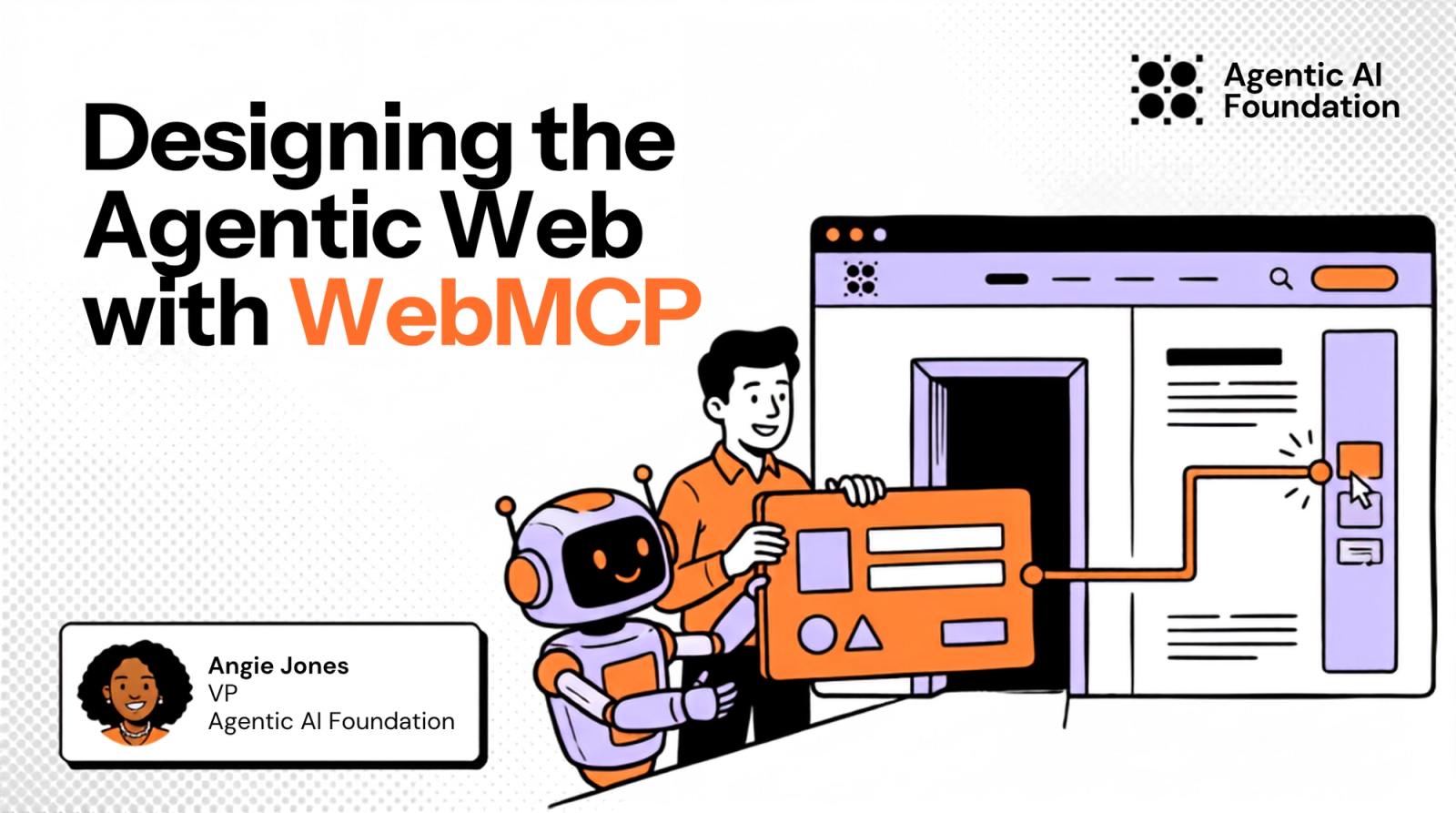

Websites are designed for people. We can look at a page and quickly understand where to enter information or which control will complete an action.
AI agents don't see or use the web the same way we do. An agent may have to process a screenshot or inspect the page’s underlying structure, then reason about which control matches the request.
The additional context increases token use, and each interpretation step creates another chance for error. The agent can choose the wrong control or misread the page after an action changes its state.
WebMCP (not to be confused with MCP) gives web developers a standard way to publish structured tools to access the capabilities of their website enabling agents to call those functions with structured inputs.
A developer can register a tool through document.modelContext and give it a name with a description. The tool also defines an input schema and the function that runs when an agent calls it.
For example, an article site could publish a search tool that calls the same application code as its visible search form.
const searchToolController = new AbortController();

await document.modelContext.registerTool(
  {
    name: "search-articles",
    title: "Search articles",
    description: "Search published articles by topic.",
    inputSchema: {
      type: "object",
      properties: {
        query: {
          type: "string",
          description: "The topic or phrase to search for."
        }
      },
      required: ["query"],
      additionalProperties: false
    },
    async execute({ query }) {
      const articles = await searchArticles(query);
      renderSearchResults(articles);
      return { articles };
    }
  },
  { signal: searchToolController.signal }
);

// Call this when the search tool should no longer be available.
// searchToolController.abort();
The name and description tell the agent when to use the tool. The input schema defines the arguments it can send. The execute function calls the site's existing search logic and updates the page with the results.
The browser makes the registered tool available to a supported agent while the page is active. When the agent calls it, the browser passes the structured arguments to execute and returns the result.
When the search tool should no longer be available, the page can unregister it by calling searchToolController.abort().
A page can register tools that match its current state. A content view may provide a search tool, while an editor can provide tools for changing the selected content. The agent can discover the tools available for the page's current state.
WebMCP also proposes a declarative path for existing HTML forms. The article search could be exposed through attributes on the form itself.
<form
  action="/articles"
  method="get"
  toolname="search-articles"
  tooldescription="Search published articles by topic."
>
  <label for="article-query">Topic</label>
  <input
    id="article-query"
    name="query"
    type="search"
    toolparamdescription="The topic or phrase to search for."
    required
  >
  <button type="submit">Search</button>
</form>
The browser uses the form attributes and controls to create the tool definition. Because the form omits toolautosubmit, the browser populates the field but leaves the final click to the person. The person can review the search query and click the Search button.
Keep the person and agent in the same interface
A WebMCP tool uses the state already visible in the application and the person's active session. The shared page gives the person a place to review the agent's work. When the agent completes an action, the person can see the updated state and make changes through the normal interface.
Web developers can also reuse application logic that already handles the visible interface. OpenAI's Runme example is a browser application that registers tools for reading instructions and updating notebook content. Runme can offer those functions through the page without adding a separate server only to expose an MCP endpoint.
Pair WebMCP with MCP Apps
WebMCP and MCP both expose tools to agents, but they operate in different parts of an application. Understanding the difference helps developers decide where each one fits and how they can work together.
An MCP server can provide tools when no related page is open. A WebMCP tool is attached to the current document and can use the page's current state.
WebMCP standardizes how a page registers tools with the browser. The browser can present those tools to its agent through MCP or another function calling mechanism.
MCP Apps addresses another part of the interaction. An MCP server can provide an interactive interface that a compatible host displays to a person. WebMCP lets an agent use functions from an existing website.
WebMCP and MCP Apps can work together. For example, a shopping website could publish a compare_products tool through WebMCP. An MCP server could provide an MCP App for the comparison, so the person can adjust the options while the agent handles the supporting work.
The comparison interface could also be described with A2UI, which lets an agent describe an interface in a declarative format. The client renders the description with components from its own design system, so the client controls which components are available and how they behave.
People and agents can use the same interface at the same time. Developers need to decide which functions the agent can call and what the person should see while those functions run.
Design the page for agent use
Agent use begins before the first click. An agent may need to discover the website and determine how to authenticate. It may choose an API or structured documentation before opening a browser.
Web teams should study how agents use their site before deciding which interface to add. Server logs can show whether agents are crawling HTML or requesting machine readable content. Tool activity can reveal which WebMCP functions agents discover and which calls they abandon.
Documentation sites also need clear paths for agents. A site can provide clean Markdown pages or an llms.txt file, so an agent can retrieve the relevant material without reconstructing the site hierarchy from several pages.
Keep existing controls in the execution path
WebMCP reduces the amount of interface interpretation an agent has to do, but a structured tool is still an entry point into the application. The website should apply its existing access controls and input validation whenever the tool runs.
For example, an update_cart tool can accept a product identifier and quantity. The server should confirm that the product exists and that the current user can modify the cart. Structured input doesn’t automatically make the request trusted, so the server should run the same checks it uses for updates made through the website.
The browser also has a responsibility. OpenAI reviews each site tool call before it runs and asks the person to confirm sensitive actions. The WebMCP draft requires origin isolation, and its tools permissions policy allows same origin use by default.
Clients need to handle tool changes during a task. A page can change a tool's identity or schema after the agent begins working, so the client should review the tool again before using the new definition.
Researchers are already testing those boundaries. A June preprint on WebMCP tool surface poisoning found that changes to tool registration and metadata could redirect agents in its test environment. The researchers used a polyfill and a headless agent, so a native browser implementation may behave differently. Browser developers can still use the reported attacks as test cases.
Test WebMCP while the design is open
WebMCP already has several experimental implementations. Chrome offers an implementation through a flag and an origin trial. Sarah Drasner created an interactive WebMCP demo of this implementation that you can try in your browser.
Cloudflare released a developer preview that can add a WebMCP bridge to a website, and Brave has tested WebMCP with its Leo assistant.
OpenAI's WebMCP Challenge asks developers to submit working applications by September 3 at 5 p.m. Pacific. The challenge examples include a collaborative writing application and a browser based 3D modeling tool.
Testing WebMCP against varied applications can reveal assumptions in the current draft. For example, a form may need a declarative feature that has not been specified yet. Developers may also find lifecycle problems when a website changes its tools during a task.
Developers can bring their findings back to the WebMCP issue tracker. The community can still change the design in response to the behavior developers observe.
Continue the discussion in San Jose
WebMCP is still being defined, and the people working on its browser implementation and related interfaces will bring that work to San Jose.
- Sarah Drasner is a Distinguished Engineer and Area Tech Lead for AI and the Web Ecosystem for Chrome at Google, where she works directly on WebMCP. She created Chrome's React package for registering page tools. In her keynote session The Agentic Web, Sarah will connect WebMCP to the broader shift toward agentic browsing.
- Liad Yosef co-created MCP Apps, so his work covers the agent's view of a site and the interactive interfaces people use within agent systems. In his session How Agents Really See the Web, Liad will share his research on how agents discover websites and what causes them to open a browser.
- Ryan Roemer leads technology and open source at Nearform, where he built a browser-only WebMCP research application that uses page tools and on-device models. In his session The Frontend Strikes Back: WebMCP and The Agent-Ready Browser, Ryan will show developers how to register frontend tools and make application functions callable by an agent.
- Dominic Farolino works on agentic web APIs for Chrome and is an editor of the WebMCP specification. He’s joining Liad Yosef for a session on MCP Apps + WebMCP - The Next Era of Interface. Dominic and Liad will show how an agent can control an interface returned by an MCP server.
AGNTCon and MCPCon North America takes place October 22-23, 2026, in San Jose. Join and learn from the people who are building the agentic web.
Use code COMMUNITY25 to save 25% on registration.
Share
Author


Angie Jones
View All PostsAngie Jones is the VP of the Agentic AI Foundation where she guides how agentic systems are designed, implemented, and adopted across the global developer ecosystem.
An award-winning educator and international keynote speaker, Angie shares her extensive knowledge with software companies and conference audiences worldwide.
As a Master Inventor, Angie is recognized for her innovative, out-of-the-box thinking, which has led to 27 patented inventions in virtual worlds, collaboration software, social networking, smarter planet initiatives, and software development processes.